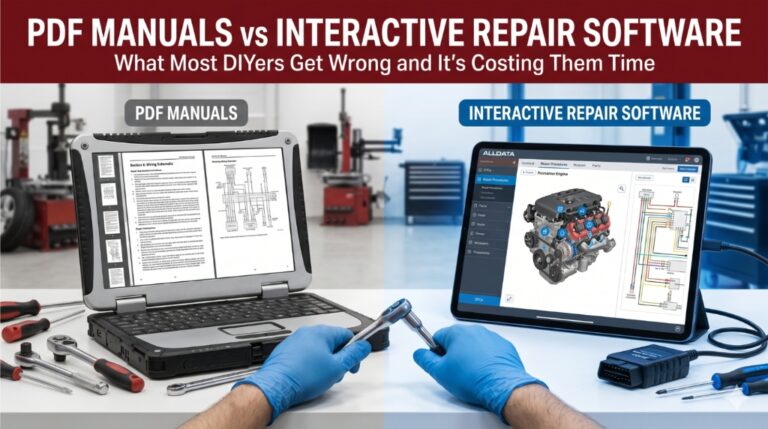
Using PDF manuals for vehicle repair feels safe until you’re mid-job and the software file won’t load, the interactive wiring map isn’t there, and your manual is three model years behind. The wrong reference tool can cost you hours, a misdiagnosis, or worse, a repeat repair.
PDF manuals are suitable for basic tasks on older vehicles, but interactive software is vital for modern diagnostics and electrical repairs. While PDFs offer affordable, portable, offline access, interactive platforms like AllData DIY provide real-time OEM updates, 3D models, and superior navigation.
This article breaks down exactly where each format wins, where it fails, and how to pick the right tool for your actual repair scenario, not a generic recommendation.
PDF Manuals vs Interactive Repair Software: Why Picking the Wrong One Stalls Every Job
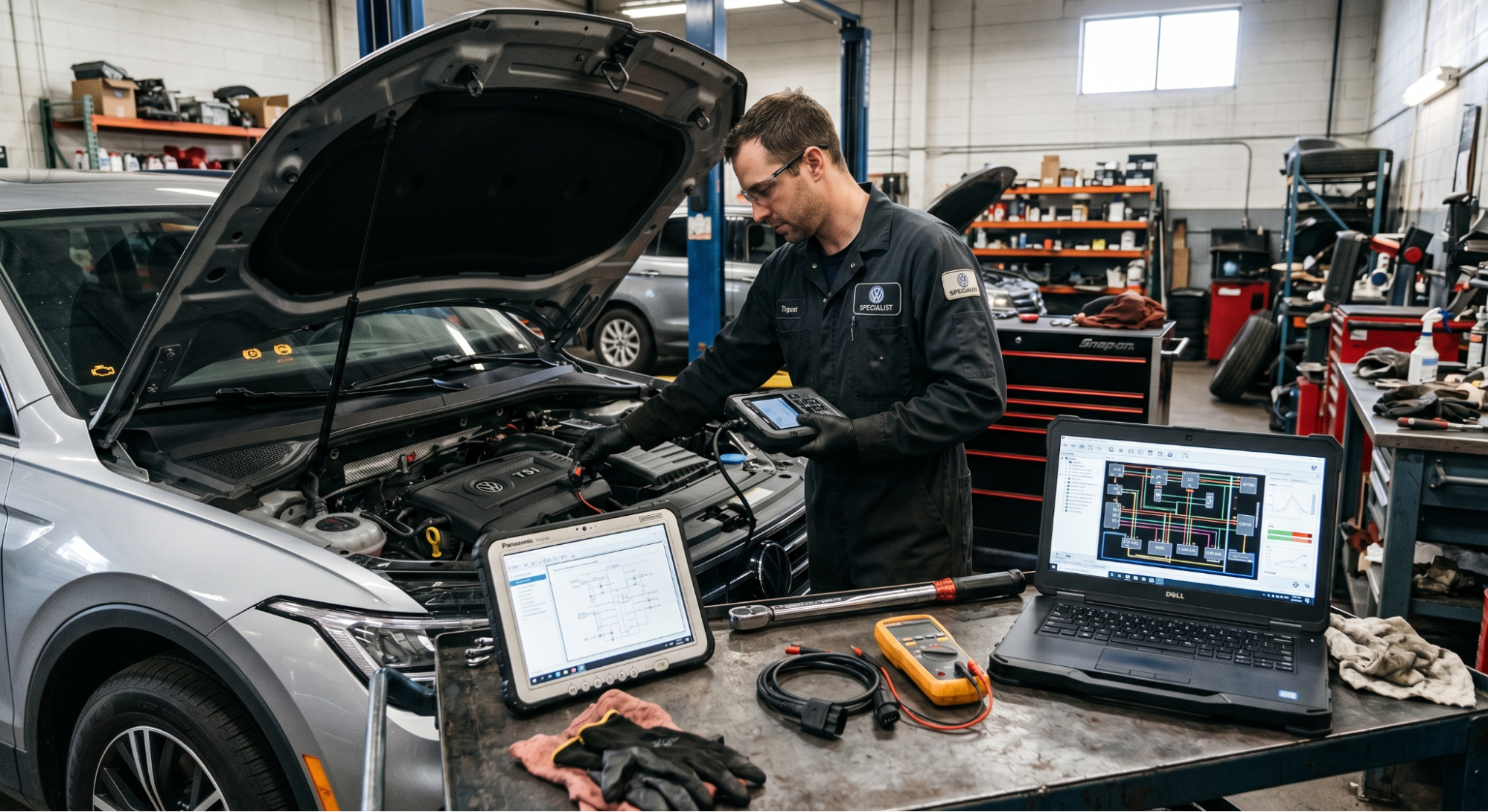
The gap between a PDF manual and interactive repair software isn’t just about format, it’s about what happens when something goes wrong mid-repair.
One gives you a fixed document. The other connects you to live OEM data, clickable wiring diagrams, and real-world verified fixes updated daily.
Choosing without understanding these differences means working more slowly, diagnosing incorrectly, or sourcing wrong specs, especially on modern vehicles with complex electronics.
What PDF Manuals Actually Give You
PDF repair manuals are downloaded or purchased document files, most often based on factory service data or aftermarket rewrites from publishers like Haynes, Chilton, or OEM sources. They’re static, portable, and fully accessible offline.
The core advantages are real: no internet required, one-time cost in many cases, and long-term archiving. If you’re working on a 2008 truck in a garage with no Wi-Fi, a solid PDF manual is genuinely practical.
But the limitations stack up fast. PDF manuals can’t be updated without re-downloading them. Keyword search is limited to basic text matching. Wiring diagrams are flat images with no interactivity, no zoom layers, and no circuit tracing.
For context on choosing the right version, see this guide on How to Choose the Right Workshop Repair Manual for Your Vehicle. It covers which manual types match which repair scenarios.
What Interactive Repair Software Actually Does Better
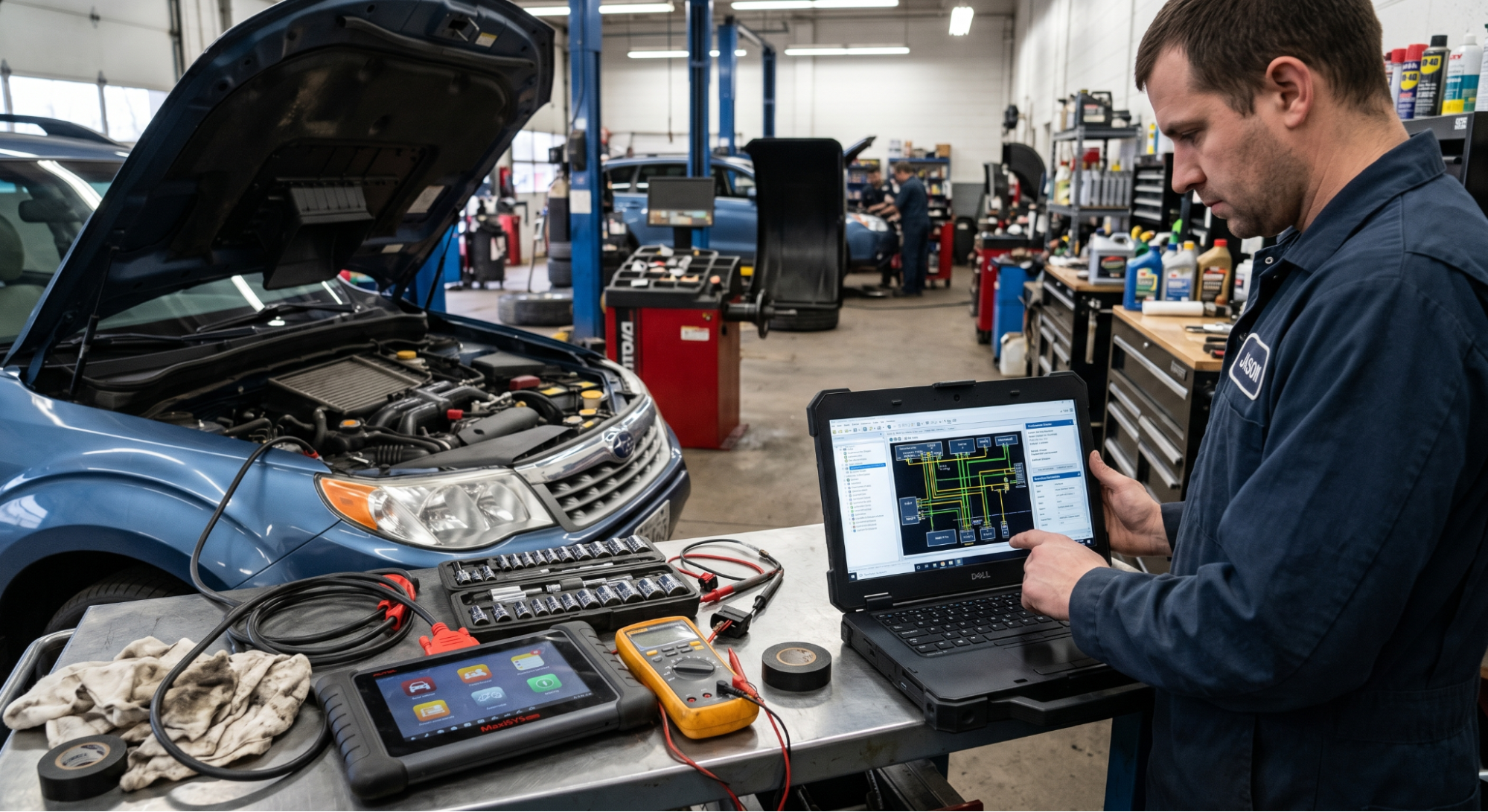
Interactive repair software like ALLDATA, Mitchell1 ProDemand, Identifix Direct-Hit, and HaynesPro are subscription-based platforms built around one goal: faster, more accurate diagnosis and repair.
These platforms pull from OEM-verified, real-time data. You can search by VIN, pull technical service bulletins (TSBs), access diagnostic trouble codes (DTCs), and navigate layered wiring diagrams that highlight individual circuits on demand.
Some platforms, like Identifix, include verified real-world fix databases and actual solutions confirmed by ASE-certified technicians. That’s not something any PDF manual can replicate. The tradeoff is cost: professional subscriptions range from $19.95/month at the DIY tier to $245+/month for shop-grade access.
Side-by-Side Comparison: PDF Manuals vs Interactive Repair Software
|
Factor |
PDF Manuals |
Interactive Repair Software |
|
Format |
Static document, offline access |
Dynamic, cloud-based platform |
|
Update Speed |
Manual re-download required |
Real-time, automatic updates |
|
Search Function |
Basic Ctrl+F keyword search |
VIN-based, intelligent search |
|
Wiring Diagrams |
Flat images, no zoom layering |
Clickable, layered circuit maps |
|
Cost (DIY) |
One-time or short-term fee |
Monthly/annual subscription |
|
OEM Accuracy |
Depends on the publisher’s version |
Daily OEM-verified updates |
|
Offline Access |
Full access, no internet needed |
Limited or unavailable offline |
|
Best For |
One-time repairs, archiving |
Ongoing DIY or shop use |
Accuracy and Update Speed: The Critical Gap
This is where the comparison sharpens significantly. A PDF manual reflects the data at the time it was produced. Manufacturers regularly issue TSBs, recalls, and revised torque specifications, and none of those appear in a static file unless someone publishes a new version.
Interactive software platforms update daily. ALLDATA, for example, pulls directly from manufacturer data and automatically flags updated repair procedures. For anyone working on hybrid systems, modern transmission controls, or vehicles with OTA firmware updates, outdated specs create real risk.
If you’re comparing OEM vs aftermarket manual sources more broadly, this deep-dive on OEM vs Aftermarket Manuals: Best for DIY covers what you’ll find different between the two.
Wiring Diagrams: Flat Image vs Live Circuit Map
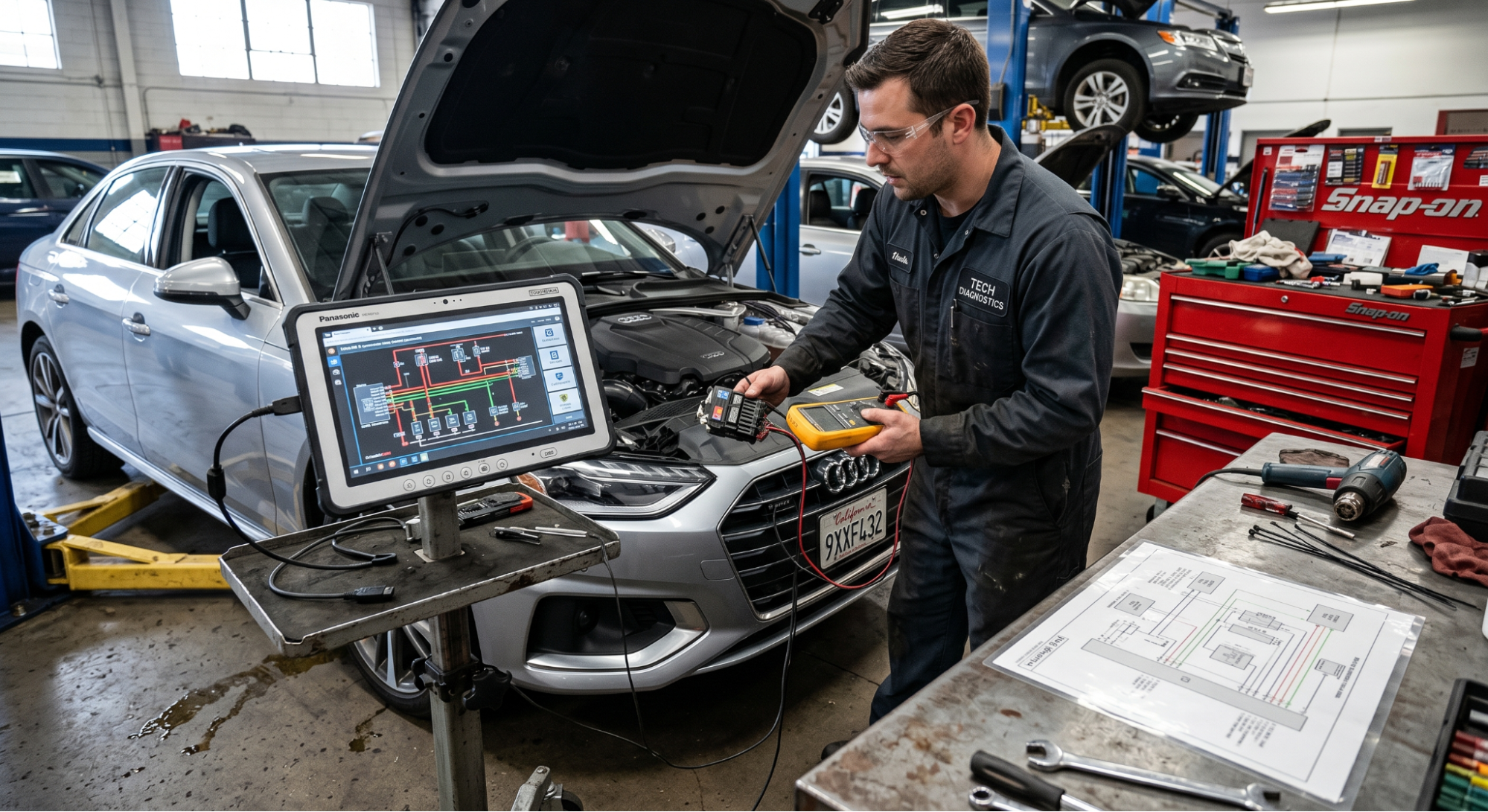
For electrical diagnosis, this difference alone justifies the subscription cost of interactive repair software. PDF-based wiring diagrams are static images that zoom in, and they pixelate, trace a circuit, and you’re doing it visually with your finger.
Interactive wiring diagrams on platforms like Mitchell1 and HaynesPro let you click a component, highlight the entire circuit path, and isolate individual grounds or feeds. Some even offer 3D component views and animated sequences.
For anything beyond a basic fuse check or a simple relay test, interactive software dramatically reduces diagnosis time. Experienced technicians report cutting electrical troubleshooting time by 40–60% compared to working from static PDF schematics.
Cost Breakdown: PDF vs Software for DIY Users
Cost matters. Here’s how the numbers actually compare for a DIY owner:
- PDF manual (one vehicle): $15–$60 one-time purchase or download
- Chilton/Haynes online subscription: $19.95–$29.95/year per vehicle
- ALLDATAdiy DIY plan: $44.95/year for one vehicle (unlimited access)
- Mitchell1 DIY: $19.95/month or $29.95/year per vehicle
- Professional shop software: $150–$245+/month per technician bay
For a DIY owner who does two or three repairs per year, a PDF manual or a low-cost subscription covers it. For ongoing work across multiple vehicles or complex diagnostics, the annual interactive software plan pays for itself quickly in time saved and avoided mistakes.
Also worth reading: Where to Download Genuine OEM Workshop Manuals — covers the safest sources for downloading legitimate factory service data before committing to a subscription.
When to Use PDF Manuals vs Software: Real Scenarios
The decision is not about which format is better overall. It is about matching the tool to the actual job. Here is a practical breakdown by scenario:
Use Case Decision Guide
|
Use Case |
Best Tool |
|
One-time brake job on an older vehicle |
PDF Manual |
|
Diagnosing modern OBD-II fault codes |
Interactive Software |
|
Offline garage with no Wi-Fi |
PDF Manual |
|
Multi-vehicle shop needing daily updates |
Interactive Software |
|
Budget DIYer doing occasional repairs |
PDF Manual |
|
Electrical troubleshooting with schematics |
Interactive Software |
For routine work like oil changes, brake pads, or filters on pre-2010 vehicles, a PDF manual is fast and sufficient. For any job involving diagnostic codes, module programming, or complex electrical systems, the real-time depth of interactive repair software is worth the cost every time.
These same principles apply when planning your full vehicle upkeep. This breakdown of Essential Car Maintenance Tips pairs well with knowing which manual type your maintenance job actually needs.
Offline Access: The One Area Where PDF Still Wins
It’s a real-world limitation that most interactive software platforms require a live internet connection. Some offer partial PDF download options within the platform, but full offline functionality is rare at the DIY subscription tier.
RepairSurge, for example, lets users download high-resolution PDFs for offline access, a hybrid approach that combines searchable OEM data with portable offline repair documents. That’s a practical middle ground for remote or low-connectivity environments.
If your garage has reliable internet, offline access is rarely a deciding factor. If it doesn’t, a downloaded PDF manual remains the most practical choice for keeping the job moving.
Final Take: Which One Should You Use?
While PDF manuals are far from obsolete, their utility is specialized. They remain a practical, cost-effective choice for basic maintenance on older, well-supported vehicles, particularly when working in environments without reliable Wi-Fi.
Conversely, interactive repair software represents a superior long-term commitment for power users and those maintaining modern vehicles. The precision of electrical diagnostics powered by daily OEM updates, clickable wiring diagrams, and verified fix databases provides a level of depth that static documents simply cannot match.
Ultimately, your choice should be dictated by the specific requirements of the task rather than mere habit. Align your tool selection with the vehicle’s age and the repair’s complexity. Using a static manual with outdated software information is insufficient for troubleshooting faults in modern engine management systems.
Frequently Asked Questions
Technically, yes, but the results are unreliable. Modern vehicles receive frequent OEM software updates, revised torque specs, and new TSBs that won’t appear in any static PDF manual. For 2020+ models, interactive repair software with live data connections is strongly recommended for accuracy.
Probably not for a single, minor job. Most interactive software platforms offer short-term access. Mitchell1 DIY costs $19.95 for 1 month, and ALLDATA DIY offers vehicle-specific access for around $44.95/year. For a one-time repair, a short subscription, or a PDF manual from a trusted publisher, the cost is more cost-effective.
Not entirely. The best interactive software platforms, like ALLDATA and Mitchell1, pull directly from OEM factory data, but official manufacturer portals still provide the most granular service information. For high-accuracy work, cross-referencing an interactive platform with the original manufacturer’s manual source is best practice.
Mitchell1 ProDemand and HaynesPro are consistently rated highest for interactive wiring diagram quality. Mitchell1 allows circuit-specific filtering, while HaynesPro provides FastFind search with component location guides. Both offer significantly more utility than any PDF wiring diagram for electrical diagnosis work.
Yes, and that’s often the smartest approach for active DIYers. Use a PDF manual for procedure reference and torque values you trust, and supplement with interactive software for live diagnostics, TSBs, and wiring diagrams. The two formats complement each other rather than compete.